# 화상회의
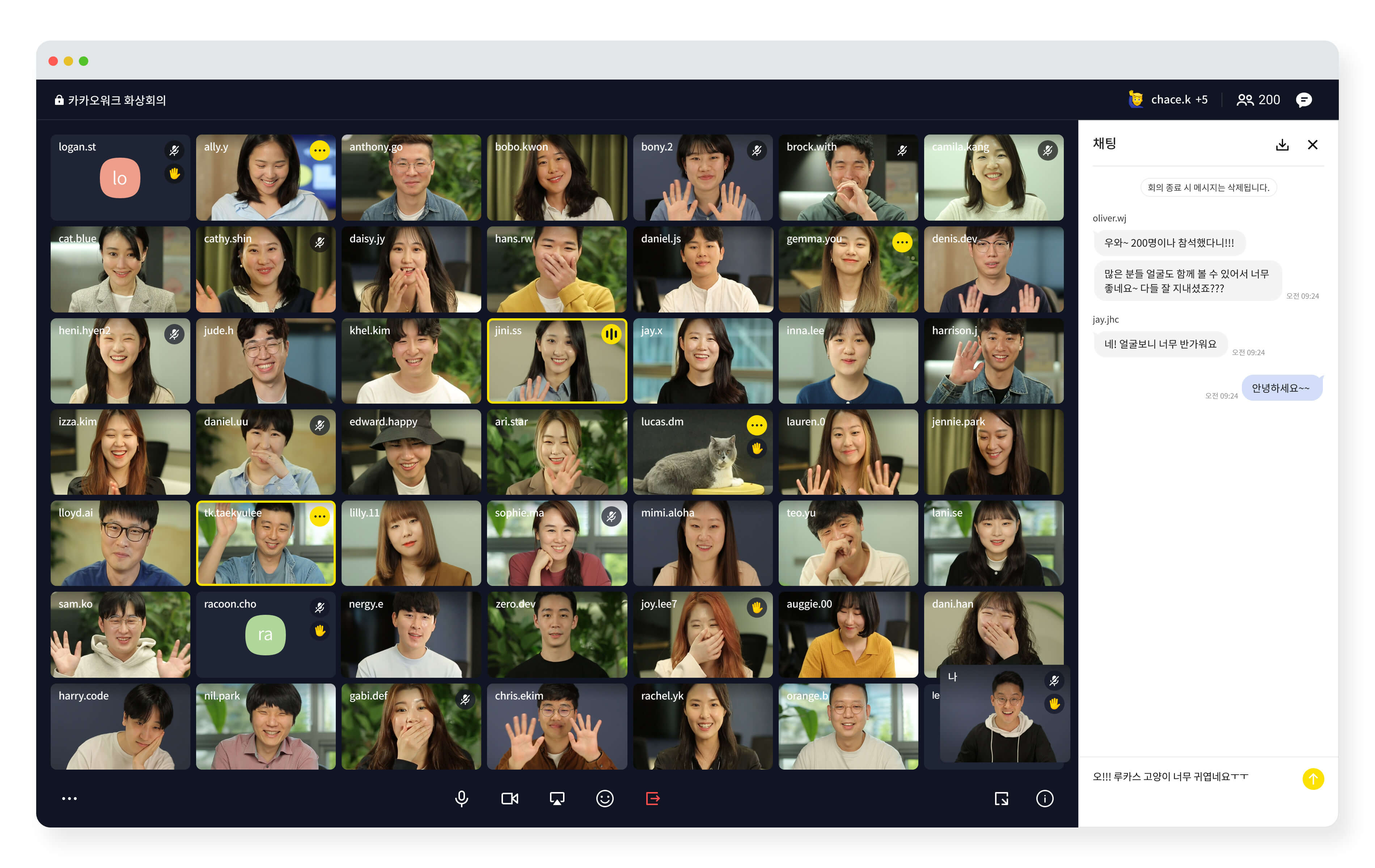
스마트폰과 PC만 있다면 언제 어디서나 회의에 참여할 수 있고, 카카오워크 사용자가 아니어도 링크만 있으면 참여가 가능해요. 참여 가능 인원은 최대 100명까지 가능합니다. (요금제별 인원 차등)
카카오워크 화상회의
> **Release Note**
2023 Release Note
* **V.2.0.1, 2023년 4월 21일**\
\- **Changed** 가이드 현행화
* **V.2.0.0, 2023년 1월 25일** \
가이드 업데이트 및 이관
2022 Release Note
* **V.1.2.0, 2021년 5월 19일** \
\- **Changed** 가이드 독립화\
\- **Changed** 최대 노출 카드 수, 최대 참여 인원 변경 \
\- **New** Troubleshooting 가이드 신규 추가
* **V.1.1.0, 2022년 12월 23일** \
\&#xNAN;**- Feature** 회의실 암호 설정, 마이크/카메라 끄기, 참여자 내보내기 기능 추가
* **V.1.0.0, 2021년 11월 3일** \
\&#xNAN;**-** **New** 문서 최초 생성 및 배포
---
# Agent Instructions: Querying This Documentation
If you need additional information that is not directly available in this page, you can query the documentation dynamically by asking a question.
Perform an HTTP GET request on the current page URL with the `ask` query parameter:
```
GET https://kakaowork.gitbook.io/kakao-work/workservice/meeting.md?ask=
```
The question should be specific, self-contained, and written in natural language.
The response will contain a direct answer to the question and relevant excerpts and sources from the documentation.
Use this mechanism when the answer is not explicitly present in the current page, you need clarification or additional context, or you want to retrieve related documentation sections.